7/6/2025
New Feature: ProjectX Contract Limits!
Gain greater control over your trading risk with the new Contract Limits feature, now available in Risk Settings.
Contract Limits let you define the maximum number of contracts your account can trade at once - for specific symbols - giving you tailored control over your exposure.
What Are Contract Limits?
Contract Limits allow you to set clear boundaries on how many contracts your account can hold or have as working orders simultaneously. You can:
Define Per-Symbol limits for more precise control over individual instruments.
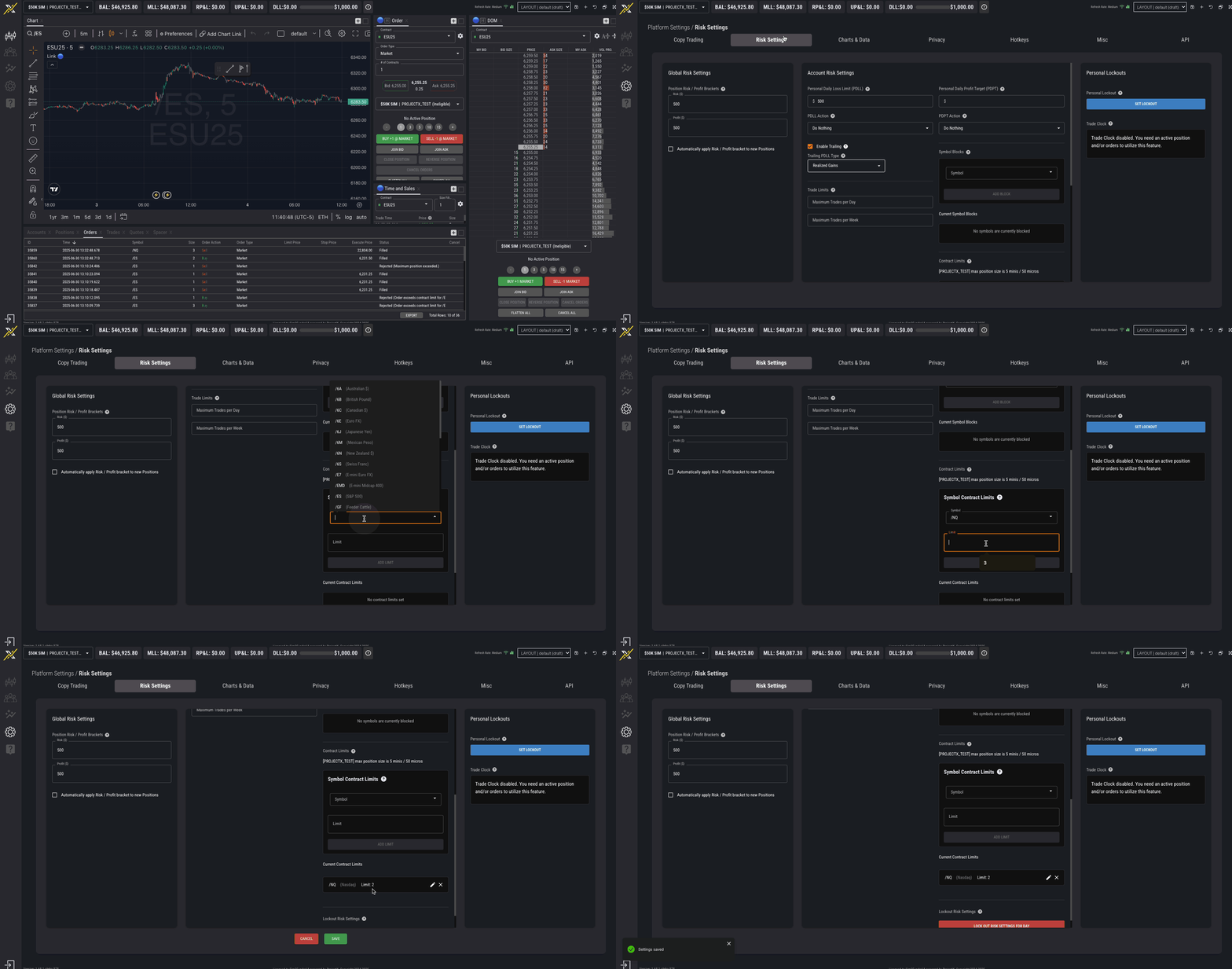
How to Set Contract Limits
Go to Settings → Risk Settings on the platform.
Under Contract Limits, set:
Symbol Contract Limits (for specific symbols)
Click Save to apply your settings.
How Contract Limits Work
The system checks your open positions + working orders on each side of the market (buy/sell).
The Contract Limits applies independently per side (buy/sell)
If placing a new order would exceed your set limit on either side, the system will reject the order.
ProjectX bracket orders (Take Profit / Stop Loss) do not count toward your contract limit.
The account’s maximum position size can never be exceeded