Click on the chart to place an order
Hello, can anyone tell me where the setting is to allow me to click on the chart to place an order. For example, I want to set a buy order at a certain number by clicking that number on the chart and waiting for it to get triggered. Tradovate had this feature and made it clear and simple to place an order and wait for it to get triggered.
I see the + button and feel like there should be a way to place an order by clicking that button but the only option it gives me is to place a chart indicator.
See attachment for Tradovate example.
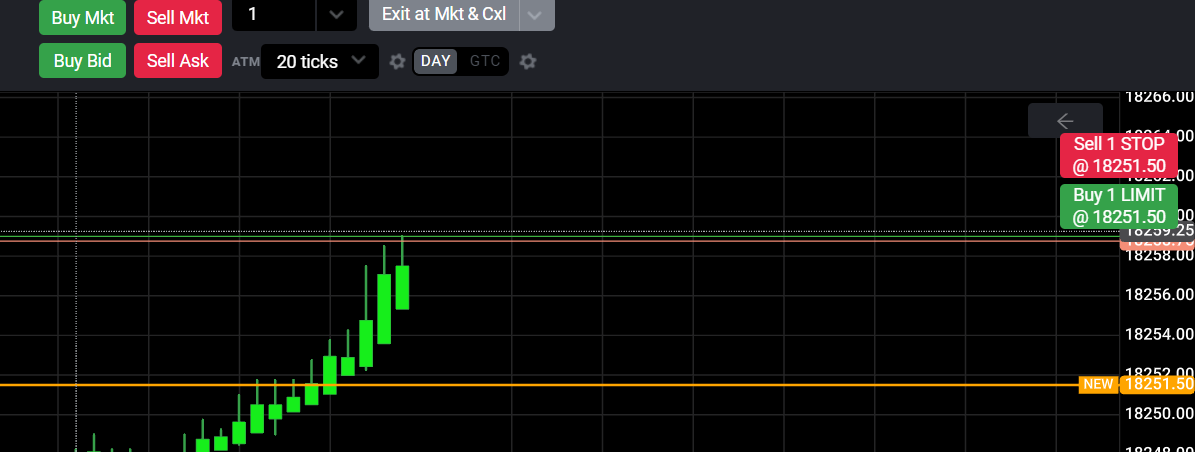
Any help is much appreciated.
This request was merged into another request
Comments1
Ahmedb
May 13, 2024
There is no setting just right click where you want to place an order. A window will show up with sell market buy market sell limit buy limit and numbers 1,2,3,5....